Organize with Ledgers
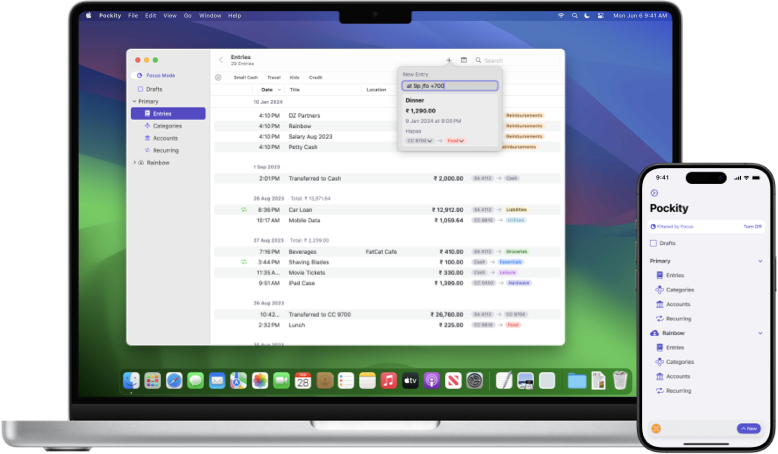
Ledgers are the foundation of Pockity. Use them to separate your personal finances from business expenses, or create shared ledgers to manage household spending with family. With Pockity+, you can create unlimited ledgers, each with its own base currency.
Intro to Ledgers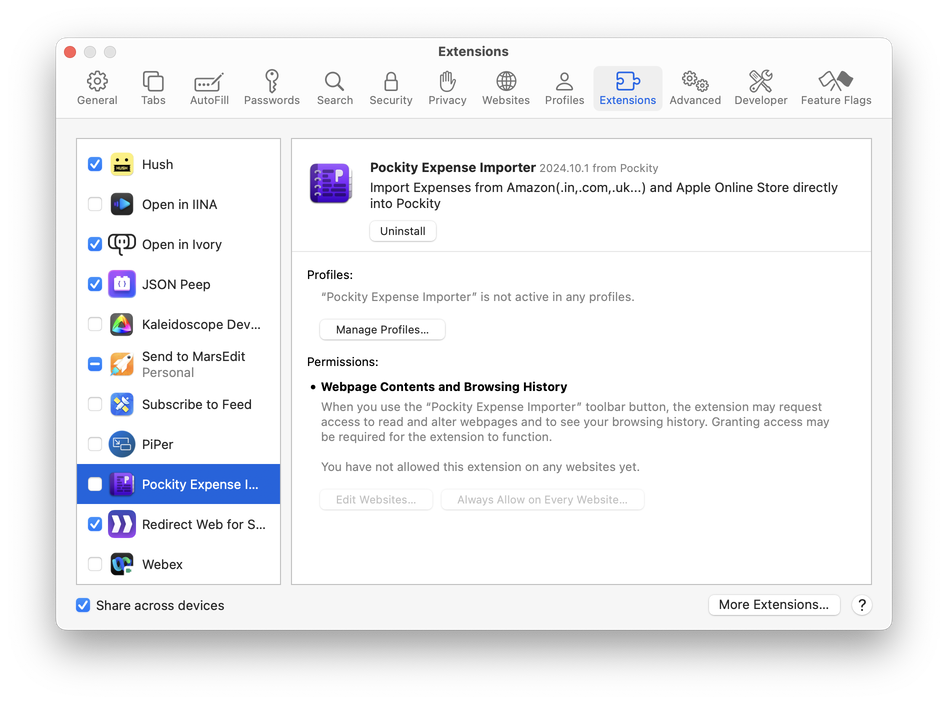
Fast and flexible tracking
Log expenses in seconds using Natural Language Processing—just type "25 Coffee at Starbucks" and Pockity handles the rest. Beyond manual entry, use the Browser Import tool to bring in transactions from your bank or automate entries via SMS and email notifications.
Intro to Entries
Stay on track with Budgets
Define your spending habits with granular categories and monthly budgets. Pockity's Double-Entry system ensures every penny is accounted for, while visual progress bars and rollover budgets help you stay within your limits and plan for the future.
Intro to Budgets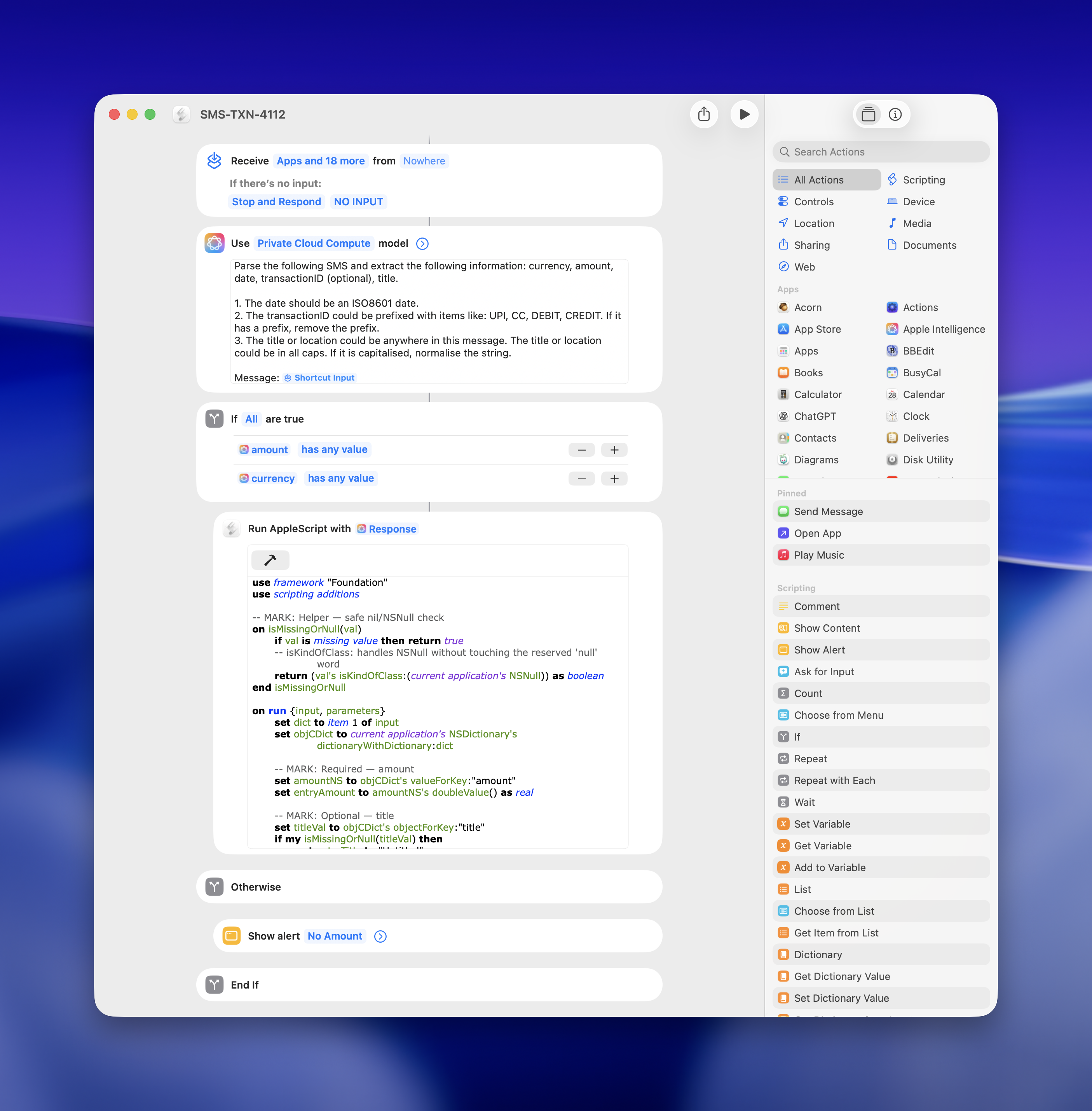
Power-user Automation
Take control of your data with industry-leading automation tools. Use AppleScript on macOS to generate custom reports, trigger Apple Shortcuts for hands-free logging, or leverage our Model Context Protocol (MCP) server to interact with your financial data using AI.
Intro to AutomationThis guide helps you master Pockity on your iPhone, iPad, and Mac. To explore specific topics, use the sidebar on the left or click the Table of Contents button at the top of this page.
If you have further questions, please get in touch at support@pockity.app.