Spotlight Search Integration
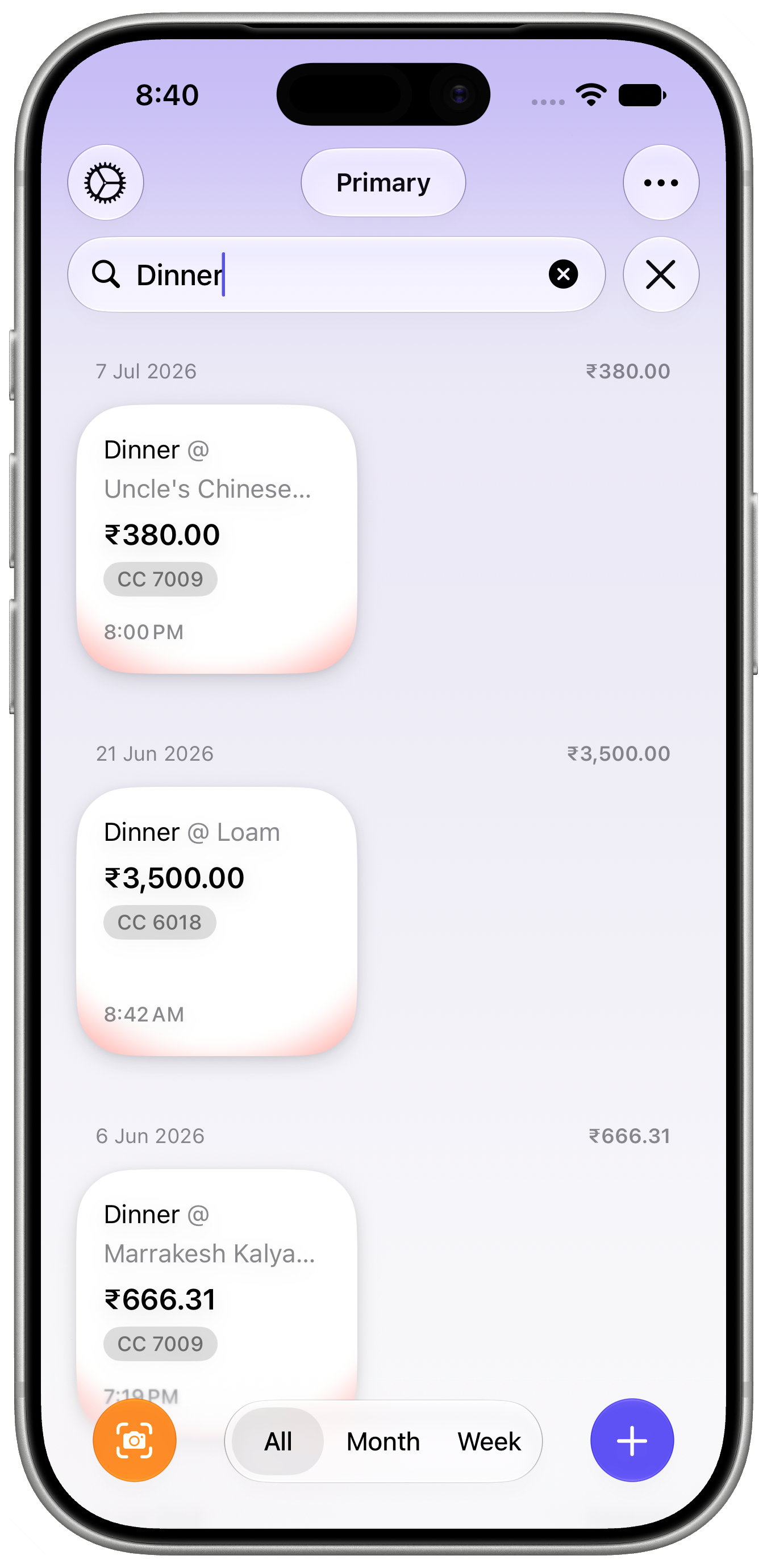
Spotlight Search integration allows you to quickly find your financial entries directly from your iOS or macOS device’s system-wide search feature. This lets you access specific expenses, income records, or transactions without opening the app first. The same natural-language understanding also powers search inside Pockity itself, including macOS’s Timeline views.
Why is Spotlight Search useful?
- Instant access to recent or frequently used entries.
- Search by keywords found in entry notes, categories, tags, and amounts.
- Saves time by reducing navigation steps within the app.
- Improves productivity with seamless cross-app searching.
How does Spotlight Search work in Pockity?
- Entries saved in Pockity are indexed by the operating system.
- You can invoke Spotlight Search (swipe down on the Home Screen or press Command+Space on Mac).
- Type search terms related to your expenses or income, such as merchant names, tags, or amounts.
- Matching Pockity entries appear in the search results with entry details.
- Tap or click the results to open the entry inside the Pockity app.
- While Pockity looks for matches, a "Searching…" indicator lets you know results are on the way rather than leaving the field looking unresponsive.
Does search understand dates and entry types?
Yes. Type natural phrases directly into the search field — in Spotlight, or in Pockity’s own in-app search — and Pockity resolves them for you:
- Dates, like "yesterday", "last week", "this month", or a specific date, narrow results to that period.
- Entry types, like "expenses", "income", or "transfers", filter results to that kind of entry.
These combine, so a search like "expenses yesterday" finds only yesterday’s expense entries. This works on iPhone, iPad, and Mac.
How to enable or manage Spotlight Search for Pockity?
- Ensure Pockity has permission to index data in your device’s Spotlight settings.
- Indexing occurs automatically upon app usage for new and modified entries.
- If entries aren’t appearing in search results, try restarting the device or reinstalling the app.

